
Running Ubuntu Containers with Hyper-V Isolation on Windows

Dustin Kirkland
on 13 September 2017
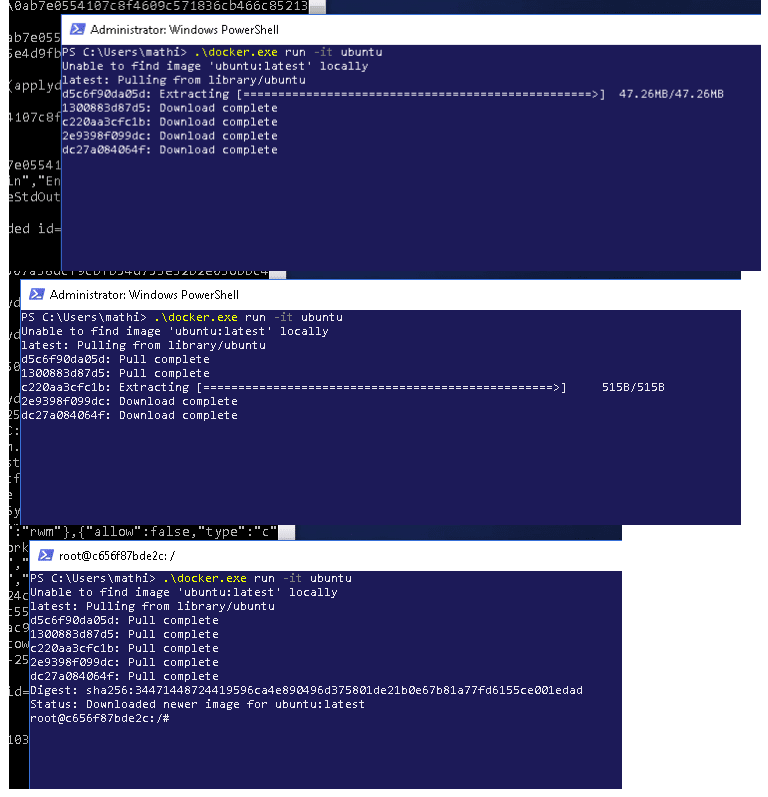
Canonical and Microsoft have teamed up to deliver an truly special experience — running Ubuntu containers with Hyper-V Isolation on Windows 10 and Windows Servers!
We have published a fantastic tutorial at https://ubu.one/UhyperV, with screenshots and easy-to-follow instructions. You should be up and running in minutes!
Follow that tutorial, and you’ll be able to launch Ubuntu containers with Hyper-V isolation by running the following directly from a Windows Powershell:
-
docker run -it ubuntu bash
Cheers!
Dustin
Talk to us today
Interested in running Ubuntu in your organisation?
Newsletter signup
Related posts
A look into Ubuntu Core 26: Deploying AI models on Renesas RZ/V series for production
Welcome to this blog series which explores innovative uses of Ubuntu Core. Throughout this series, Canonical’s Engineers will show what you can build with our...
RISC-V profiles – why is RVA23 significant?
Introduction One of the important offerings of the RISC-V Instruction Set Architecture (ISA) is the ability to customize and extend the base instruction set....
AI with AMD ROCm on Ubuntu: your questions answered
AMD ROCm is now available in Ubuntu 26.04 LTS. Learn what how to make the best of it, and find out what this will mean in the coming years for development in Ubuntu.