
How to build your own Ubuntu Core image and other documentation add-on

David Callé
on 21 November 2016
2 weeks since the launch of Ubuntu Core 16! Many of you have been asking for help porting Ubuntu Core to new boards, chips or simply building your own images for supported boards like the Raspberry Pi. Wait no more!! Here is the first piece of documentation to help you build an Ubuntu Core image for your preferred board.
New documentation
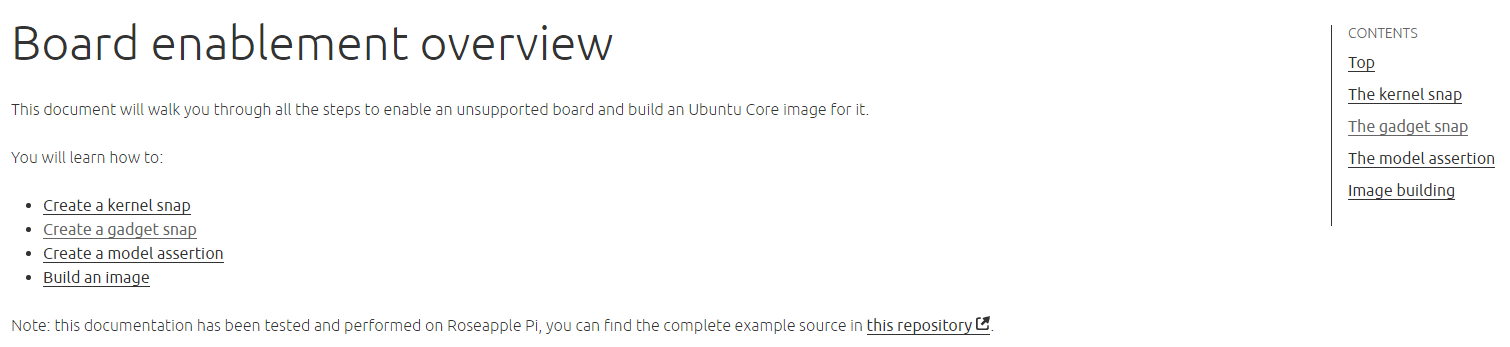
The new Board enablement documentation gives a set of instructions for advanced users to help them enable new boards and build images, including kernel building, gadget snap composition, signature generation and model assertion creation.
The latest new interfaces have been added to the core interfaces reference:
- `raw-usb` allowing access to connected USB devices
- `lxd`, allowing usage of the LXD API through the LXD snap
Updates
The Security and sandboxing overview has been augmented with debugging guidance to investigate which authorizations your apps need to request to work within security confinement.
Improved looks
The doc interface also got a few enhancements, with an in-page navigation menu on the right hand side which will help navigate through long pages (and yes there are a few long pages 🙂 .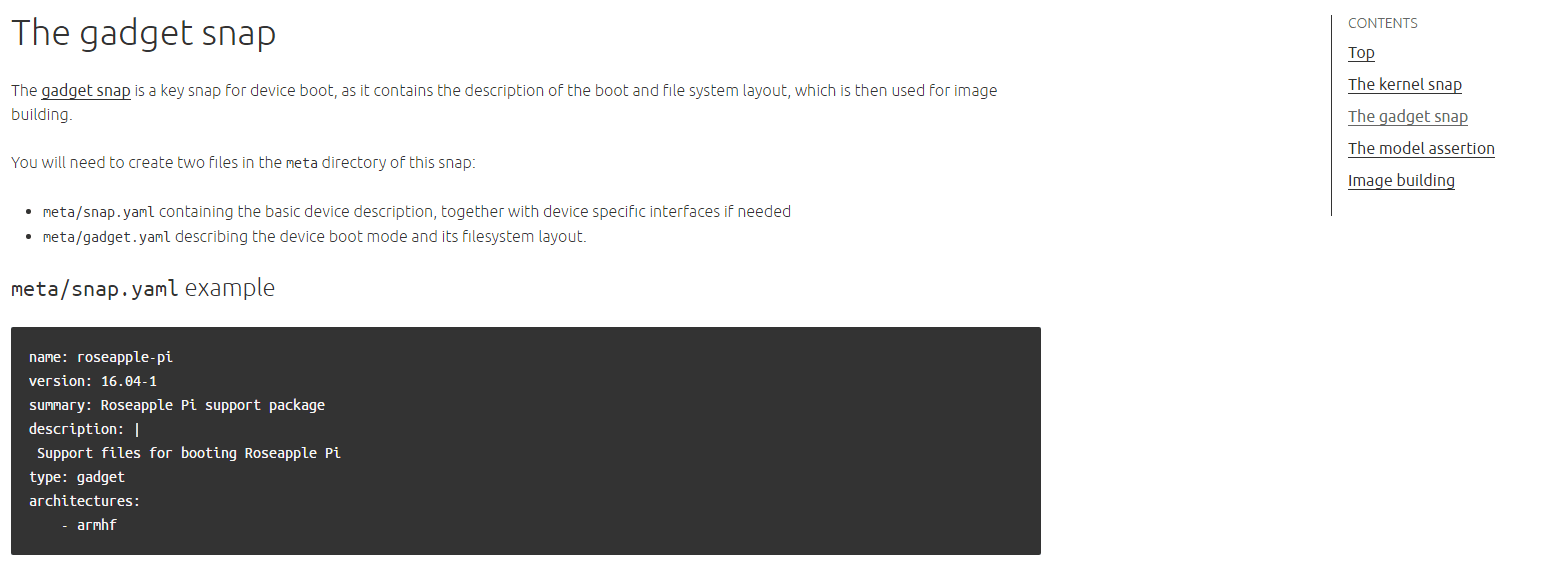
Talk to us today
Interested in running Ubuntu in your organisation?
Newsletter signup
Related posts
RISC-V profiles – why is RVA23 significant?
Introduction One of the important offerings of the RISC-V Instruction Set Architecture (ISA) is the ability to customize and extend the base instruction set....
AI with AMD ROCm on Ubuntu: your questions answered
AMD ROCm is now available in Ubuntu 26.04 LTS. Learn what how to make the best of it, and find out what this will mean in the coming years for development in Ubuntu.
Ubuntu and Ubuntu Pro on Azure Cobalt 200 VMs
Microsoft has announced the preview of Azure Cobalt 200, its second-generation custom Arm silicon. Learn how Ubuntu and Ubuntu Pro support these new VMs from...